
Power Apps Training: Build Apps Without Coding
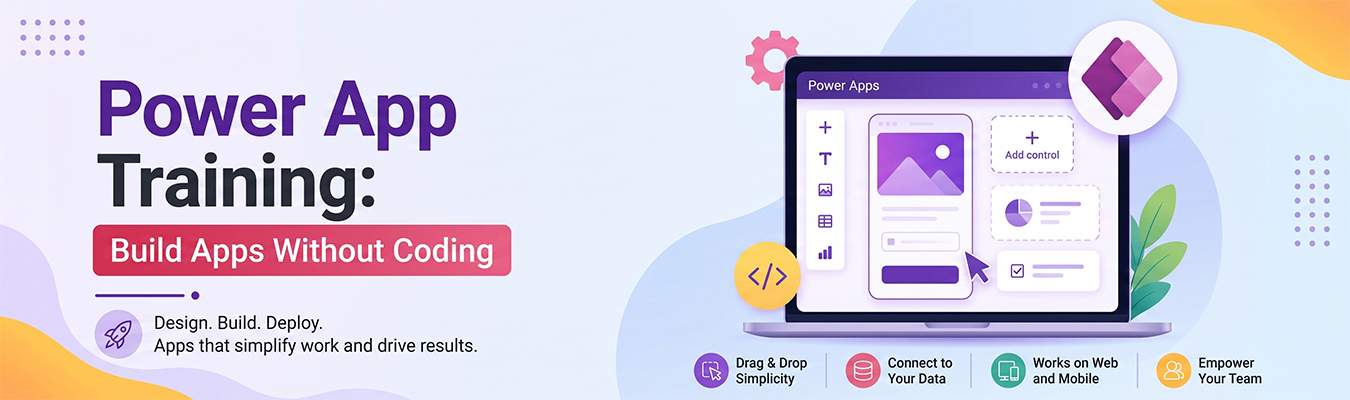
If you see, in today’s time, every service has an App. It is easy, and it is available on your phone. If you want to build your own service app and you think it requires you to master coding, then here’s what you need to know! Good news — you don’t! With Microsoft Power Apps, anyone can build simple apps just by dragging and dropping pieces, like building with digital blocks. Now, if you wonder how to do it, this Power Apps training guide will explain everything you need to know.
What is Power Apps
Power Apps is a tool made by Microsoft that lets people build apps without writing complicated code. This is called low-code development, which means you use very little or no code at all to create something useful.
Instead of typing lines and lines of code, you use ready-made buttons, boxes, and templates. You simply drag them onto a screen, connect them, and your app starts working. It’s a bit like creating a presentation in PowerPoint, but instead of slides, you’re building an app.
Power Apps connects with other Microsoft tools like Excel, SharePoint, and Teams, so businesses can build apps that work well with the tools they already use.
Benefits
Learning Power Apps comes with many advantages:
- No coding needed – You don’t have to be a programmer to build something useful.
- Saves time – Apps that used to take months to build can now be made in days or even hours.
- Cost-effective – Businesses don’t need to hire expensive developers for every small app.
- Easy to learn – The drag-and-drop system makes it simple, even for beginners.
- Works on phones and computers – Apps built with Power Apps can be used on almost any device.
Because of low-code development, even people with no technical background can build apps that solve everyday problems.
Business Applications
Power Apps isn’t just for fun projects — it’s used by real businesses to solve real problems. Some common uses include:
- Inventory tracking – Employees can scan and update stock levels using a simple app.
- Expense reports – Workers can submit expenses through an easy-to-use app instead of paper forms.
- Employee onboarding – New employees can complete their paperwork digitally.
- Customer feedback forms – Businesses can collect feedback quickly and view results instantly.
- Approval workflows – Managers can approve requests directly from their phones.
These examples show how Power Apps helps companies replace slow, paper-based processes with fast digital ones.
Career Scope
Learning Power Apps can also be great for your future career. As more companies move away from traditional coding and toward low-code development, there’s a growing need for people who know how to use tools like Power Apps.
Some career paths include:
- Power Apps Developer – Builds custom apps for businesses.
- Business Analyst – Uses Power Apps to solve workplace problems.
- IT Consultant – Helps companies choose and set up the right apps.
- Citizen Developer – A regular employee (not a professional coder) who builds small apps for their own team.
Because businesses want to save time and money, people with Power Apps skills are becoming more valuable in the job market.
Certification
If you want to prove your skills, you can earn a Microsoft Power Apps certification. Here’s how to get started:
- Learn the basics – Use free lessons from Microsoft Learn to understand how Power Apps works.
- Practice building apps – Try creating small apps, like a to-do list or a feedback form.
- Take the certification exam – Microsoft offers the “PL-100: Microsoft Power Platform App Maker” exam for beginners.
- Review sample questions – Practice tests help you understand what to expect.
- Get certified – Passing the exam gives you an official badge that shows employers you know how to build apps with Power Apps.
With the right Power Apps training, anyone — even without coding experience — can learn to build useful apps and open new career opportunities in the growing world of low-code development.