Power Automate vs UiPath: Which Should You Learn?
Let me be upfront with you — this is not a comparison where one tool wins and the other loses. If you came here looking for a clean verdict, I am going to disappoint you slightly before making it worth your while.
The power automate vs uipath debate has been running for years, and it keeps resurfacing because the answer genuinely depends on where you work, what you want to automate, and what kind of career you are trying to build. I have seen people confidently pick the wrong tool and spend months going in circles. So before we get into the specifics, here is the only question that actually matters: are you automating inside the Microsoft world, or outside of it?
That one question will answer about 80% of your decision. The rest of this blog covers the remaining 20% — the nuances that show up when you are knee-deep in HR workflows, finance reconciliations, or sales ops pipelines trying to figure out which automation software is actually going to save you time rather than create new headaches.
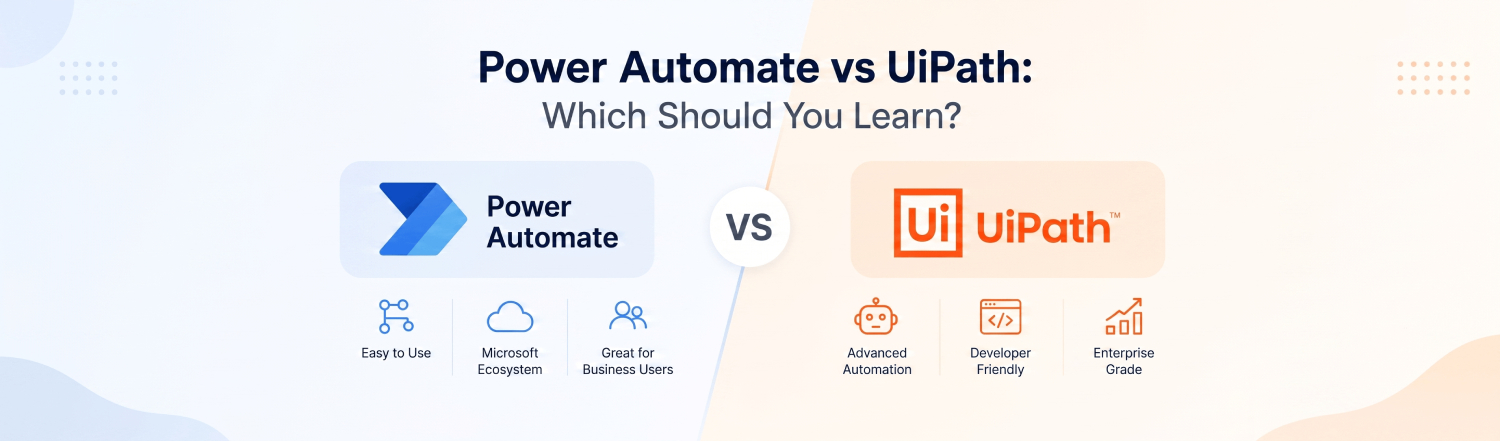
A quick baseline before we get into use cases. Power Automate is Microsoft’s low-code automation platform — baked into Microsoft 365, priced at around $15 per user per month, and genuinely usable by people who are not developers. UiPath is a dedicated enterprise RPA platform that has held the top spot in Gartner’s Magic Quadrant for six years running. It is used by over 10,000 companies globally, 93% of whom say they would recommend it. It also costs around $420 per robot per month at enterprise scale — a number that tends to end conversations quickly for smaller teams. That pricing gap is not a bug; it reflects two fundamentally different tools built for two fundamentally different audiences. This rpa tools comparison only makes sense when you hold that context in mind.
HR Automation
HR is probably where I have seen the biggest difference between what each platform promises and what it actually delivers on the ground.
For teams living in Microsoft 365 — which, let’s be honest, is most corporate HR teams — Power Automate is almost unfairly good at onboarding automation. New employee joins: SharePoint profile gets created, welcome email fires from Outlook, Teams channel gets set up, IT gets notified, manager gets a checklist. All of that, built by an HR generalist in an afternoon using a pre-built template, no developer required. I have spoken to HR professionals who built their first working automation within three hours of touching the platform. That kind of speed-to-value is hard to argue with.
UiPath earns its place in HR when you step outside the Microsoft stack. If your organisation runs SAP SuccessFactors, Oracle HCM, or any legacy HR platform from the early 2000s that nobody has budgeted to replace — that is where UiPath’s screen scraping and document understanding capabilities start making serious sense. Background verification workflows, payroll reconciliation across disconnected systems, CV parsing at volume — these are the kinds of processes that require a bot which can navigate old interfaces the same way a human would. Capterra user reviews mention teams automating the equivalent of two full-time employees’ workload through UiPath bots. That is not a small number.
Short version: Microsoft-native HR stack? Power Automate. Legacy systems, complex cross-platform HR processes, or high-volume document handling? UiPath. If you are unsure, start with Power Automate and you will probably know within two weeks whether you have hit its ceiling.
Finance Automation
Finance is where UiPath built a lot of its reputation, and honestly, the reputation is deserved.
Invoice processing is the classic example. A finance team handling thousands of invoices a month — different formats, different vendors, different ERP systems — is exactly the kind of environment where UiPath’s document understanding module earns its price tag. It can extract structured data from unstructured documents, apply business rules, post directly into SAP or Oracle, flag exceptions, and do this overnight without anyone watching. One mid-sized accounting firm documented their transformation after implementing this kind of automation: invoice processing went from hours to minutes, accuracy improved, and the finance team stopped spending their days on data entry. That story plays out consistently across finance departments that have made the investment.
Power Automate is not trying to compete with that — at least not for complex, high-volume scenarios. What it does exceptionally well is the everyday finance workflow that lives inside Microsoft: automated approval routing for purchase orders in SharePoint, payment overdue notifications triggered from Dynamics 365, scheduled report generation and distribution to Teams channels. These are not glamorous automations, but they save finance analysts real hours every week and they can be built without raising a ticket with IT.
The power automate vs uipath call in finance comes down to volume and complexity. Light-to-medium workflows within the Microsoft ecosystem — Power Automate wins on cost and speed. High-volume, cross-system, accuracy-critical processes — UiPath is the more reliable choice even at its higher price point.
Sales Automation
Sales automation is the area where I see the most confusion — partly because the tools overlap more here than anywhere else, and partly because the right answer is almost entirely determined by your CRM.
Dynamics 365 shop? Power Automate is a no-brainer. It integrates natively, your sales ops team can build lead assignment flows, quote generation triggers, and pipeline update notifications without touching a line of code. Microsoft’s Copilot integration now lets people describe the automation they want in plain English and have the flow built for them. That is a meaningful shift — it moves automation from a developer skill to something a motivated sales ops professional can own independently.
Salesforce-heavy environment, or anywhere your sales process jumps across multiple legacy tools? That is where UiPath’s attended automation mode starts earning its place. The concept here is a bot that activates when a sales rep triggers it — pulling account history from one system, logging call notes in another, generating a PDF proposal, and updating the pipeline record, all while the rep is still on the call. That kind of multi-system orchestration is hard to replicate in Power Automate without significant workarounds.
One thing worth watching: both platforms are moving fast on AI integration. Power Automate now includes Copilot Studio for building AI-driven workflow chatbots. UiPath has its AI Center for deploying custom ML models inside automation workflows. In sales specifically — sentiment analysis on inbound emails, intelligent lead scoring, conversational AI for first-response automation — both platforms are now viable. The rpa tools comparison in this area will look quite different by 2027.
Productivity Benefits
Here is where I want to push back slightly on how most people frame this conversation.
The common assumption is that UiPath = more powerful = more productive. That is true in some contexts and completely backwards in others. Power Automate’s biggest productivity advantage is not what the bots can do — it is how fast a non-developer can build one. Over 1,000 pre-built templates, natural language flow creation via Copilot, and a user base that includes finance analysts and HR coordinators rather than just developers. The Harvard Business Review noted that companies automating even a handful of repetitive tasks reported improved customer relationships, time savings, and growth. That benefit is only accessible at that scale if the people closest to the problem can build the automation themselves. Power Automate enables that in a way UiPath genuinely does not.
UiPath’s productivity case is different — it is about depth rather than breadth. A single well-architected UiPath bot can replace significant manual processing capacity. Its Orchestrator platform lets enterprises manage hundreds of bots centrally, measure ROI per process, and build a proper automation programme rather than a scattered collection of individual flows. For organisations serious about automation at scale, that infrastructure matters.
From a learning productivity standpoint — if you want to be useful quickly, Power Automate wins. You can build your first real, working automation on day one. UiPath has a steeper curve — Studio and Orchestrator both require real training — but the UiPath Academy is free, well-structured, and genuinely respected in the hiring market. For career-building, it is a more substantial investment that pays off over a longer timeline.
ROI
Numbers first. The global RPA market sits at $28.31 billion in 2025 and is projected to reach $247.34 billion by 2035 — a 24.2% compound annual growth rate, according to Precedence Research. That trajectory exists because the ROI is real and measurable, not because of vendor marketing.
The cost side of the power automate vs uipath ROI calculation is stark. If your organisation already has Microsoft 365 E3 or E5 licences, Power Automate basic flows are included — the incremental cost of your first automation is essentially zero. Against that, UiPath at $420 per robot per month means you need to be very confident about the value a bot will generate before you sign anything. The break-even math changes completely depending on which side of that pricing wall you are on.
That said, UiPath’s ROI at scale is harder to dispute. For enterprises running hundreds of unattended bots across complex processes — mainframe integrations, Citrix environments, AI-powered document processing — the productivity gains consistently justify the premium. EPC Group, with nearly three decades of enterprise automation consulting behind them, noted that the smartest approach for many large organisations is not choosing one platform but running both: Power Automate for citizen-developer, Microsoft-native workflows, and UiPath for the complex, high-governance, cross-system automation that needs proper RPA infrastructure.
Career ROI is a separate but equally important calculation. UiPath certification commands higher salaries and appears more frequently in enterprise job postings — particularly in consulting and large IT services firms. Power Automate skills are more broadly applicable across a wider range of organisations, especially as Microsoft 365 penetration continues to grow across industries. Neither is the wrong skill to have. But if you are trying to maximise earning potential in enterprise automation specifically, UiPath certification is the longer-term investment.
So — power automate vs uipath. Which should you learn?
If your current workplace runs on Microsoft 365 and you want to create immediate, visible impact: Power Automate. Start this week, build something that saves your team time, and you will understand the platform’s capabilities and limits within a month.
If you are building a career in enterprise automation, targeting consulting roles, or working in environments where legacy systems and high-volume processing are the norm: UiPath. The learning investment is higher, but so is the ceiling.
And if anyone tells you there is one obvious answer that works for everyone — they have not actually used both tools in a real organisation.
TechVibz Academy offers live instructor-led training in both Power Automate (Power Platform track) and enterprise RPA. Reach out to our team and we will help you figure out the right starting point based on your goals — not a generic recommendation.