
Power Platform Explained: Power Apps, Power BI & Power Automate
You’re not a coder, but willing to build an app; you must be thinking it is impossible. Building an app indeed requires some kind of knowledge of coding. But with the Microsoft Power Platform, it is not necessary for anyone to know coding before building your app. You can also pass on your regular boring tasks to your computer when Microsoft is with you.
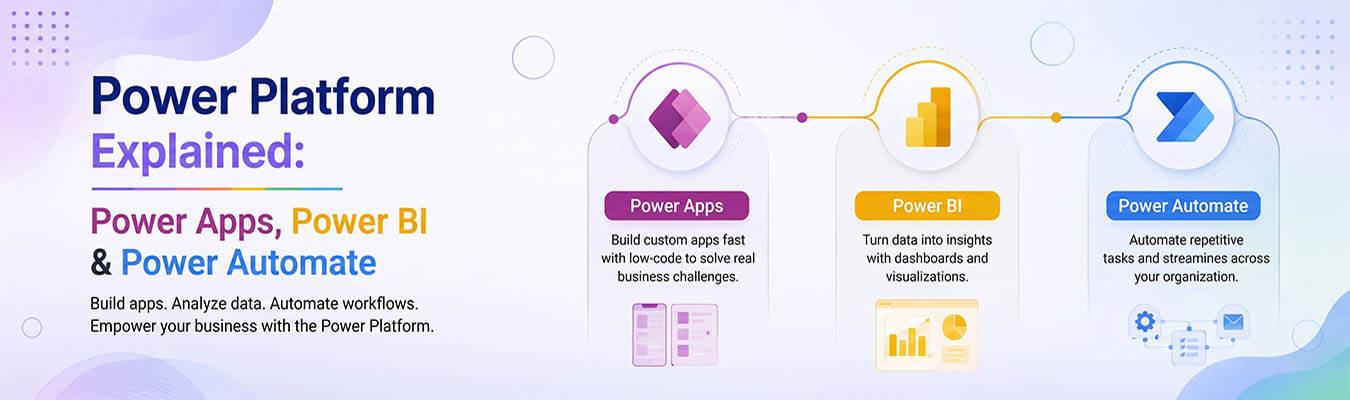
Microsoft Power Platform is a group of tools made by Microsoft. It lets people build apps, study data, and automate tasks — even if they don’t know computer programming. It’s like a toolbox full of smart helpers, and the three main tools inside it are Power Apps, Power BI, and Power Automate. Let’s break down each one in simple words.
Power Apps
Power Apps lets you build your own apps without writing code. Think of it like building with digital LEGO blocks. You drag and drop buttons, forms, and pictures to create an app that works on your phone or computer.
For example, a small business owner could use Power Apps to build an app for tracking inventory, without hiring a developer. Schools use it to create simple apps for attendance. It saves time and money because you don’t need to learn coding languages like Java or Python.
Power Automate
Power Automate is like a robot helper that does repetitive tasks for you. Imagine you get the same type of email every day and you always save the attachment to a folder. Instead of doing this by hand every time, Power Automate can do it automatically.
This is called “automation.” You create something called a “flow,” which is just a set of steps the computer follows on its own. It can send reminders, move files, or update spreadsheets — all without you lifting a finger.
Power BI
Power BI helps you understand data by turning boring numbers into colorful charts and graphs. Businesses collect a lot of information — like sales numbers or customer feedback — but numbers alone are hard to understand.
Power BI takes all that data and turns it into pictures, like pie charts and bar graphs, that are easy to read. This helps managers make better decisions faster. It’s like turning a giant math worksheet into a fun poster that tells a story.
Integration Benefits
Here’s the coolest part: Power Apps, Power BI, and Power Automate all work together perfectly. This is called “integration.”
For example, you could build an app with Power Apps to collect customer orders. Then, Power Automate can automatically send that order information somewhere. Finally, Power BI can turn all those orders into a chart showing which products sell the most.
Because these tools connect smoothly, businesses save time, reduce mistakes, and make smarter decisions — all using one connected system instead of juggling different, unrelated tools.
Microsoft Power Platform: Career Opportunities
Learning Microsoft Power Platform can also open doors for a great career. Companies all over the world — especially in the US — are looking for people who know how to use these tools.
Jobs like “Power Platform Developer,” “Business Analyst,” or “Power BI Consultant” are in high demand. The best part? You don’t always need a computer science degree. Many people learn these skills through online courses and certifications, then land well-paying jobs.
As more businesses want to work faster and smarter, the need for people who understand Power Apps, Power Automate, and Power BI will keep growing.
Final Thoughts
Microsoft Power Platform makes technology easier for everyone — not just programmers. Whether you want to build an app, automate boring tasks, or turn data into helpful charts, this platform has a tool for you. And if you’re thinking about a tech career, learning Power Platform could be your first step toward an exciting future.