
SAP EWM Inbound and Outbound Process Explained: Step-by-Step Guide
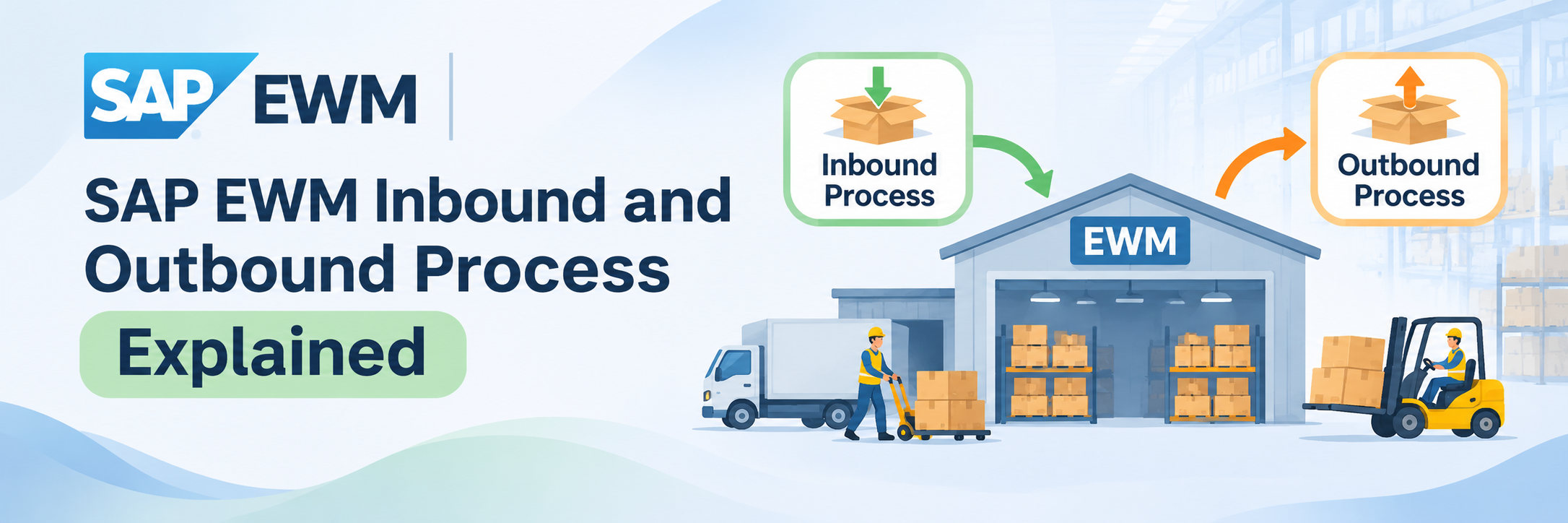
The SAP EWM inbound process manages goods arriving at a warehouse, from receiving deliveries to storing products in designated bins. The SAP EWM outbound process manages goods leaving the warehouse through picking, packing, staging, loading, and goods issue.
SAP Extended Warehouse Management (EWM) helps businesses manage warehouse movements, stock accuracy, and logistics operations.
This guide explains both processes with practical examples, warehouse tasks, warehouse orders, and important SAP EWM concepts.
What Is the SAP EWM Inbound Process?
The SAP EWM inbound process covers warehouse activities involved in receiving and storing incoming goods.
It typically begins with an inbound delivery and continues through unloading, goods receipt, and putaway.
The main objective is to ensure products are received correctly and moved to appropriate storage locations.
SAP EWM Inbound Process Steps: From Goods Receipt to Putaway
Step 1: Create an Inbound Delivery
An inbound delivery contains information about expected goods, including products, quantities, and supplier details.
It can originate from a purchase order or an advance shipping notification (ASN).
Step 2: Receive and Unload Goods
Warehouse employees unload incoming products and verify quantities, packaging, and product conditions.
Depending on the process, goods may undergo quality inspection or handling-unit checks.
Step 3: Post Goods Receipt
Goods receipt (GR) records the arrival of products in the system.
SAP EWM updates relevant delivery and stock information, allowing warehouse teams to monitor received quantities.
Step 4: Create Warehouse Tasks for Putaway
SAP EWM creates warehouse tasks specifying where products should be moved.
Putaway strategies help determine suitable destination storage bins based on warehouse configuration.
Step 5: Confirm Putaway
Warehouse workers move products to the assigned bins and confirm the warehouse tasks.
This completes the relevant physical putaway activities.
Example: A warehouse receives 100 electronic components. After goods receipt, SAP EWM creates tasks to move the components from the receiving area into designated storage bins.
What Is the SAP EWM Outbound Process?
The SAP EWM outbound process manages the movement of products from warehouse storage to customers or other destinations.
It generally begins with an outbound delivery order and involves picking, packing, staging, loading, and goods issue.
The objective is to deliver the correct products and quantities efficiently.
SAP EWM Outbound Process Steps: Picking to Goods Issue
Step 1: Create an Outbound Delivery Order
An outbound delivery order provides the information required to execute warehouse shipping activities.
It can be generated from delivery information associated with sales orders or stock transfers.
Step 2: Create Picking Warehouse Tasks
SAP EWM generates warehouse tasks for removing products from storage bins.
Stock removal strategies determine where products should be picked, according to warehouse configuration.
Step 3: Confirm Picking
Warehouse workers collect the required products and confirm the picking tasks.
The system records task completion and updates the relevant warehouse process status.
Step 4: Pack and Stage Products
Picked products can be packed into handling units such as cartons or pallets.
The products are then moved to designated staging areas for shipping.
Step 5: Load and Post Goods Issue
Warehouse teams load the products onto the transport vehicle.
Goods issue (GI) is posted to record the outgoing stock movement and complete the relevant shipping process.
Example: A customer orders 20 laptops. SAP EWM guides warehouse workers through picking, packing, staging, and shipping the laptops.
SAP EWM Inbound vs Outbound Process: Key Differences
| Feature | Inbound Process | Outbound Process |
| Purpose | Receive goods | Dispatch goods |
| Main document | Inbound delivery | Outbound delivery order |
| Primary activity | Putaway | Picking |
| Stock movement | Into warehouse | Out of warehouse |
| Key posting | Goods receipt | Goods issue |
| Final physical activity | Storage in bins | Loading and dispatch |
Both processes use warehouse tasks and warehouse orders to coordinate activities.
What Is a Warehouse Task in SAP EWM?
A warehouse task (WT) is a document that directs a specific warehouse activity.
It can specify which product to move, the quantity, and the source or destination storage bins.
Warehouse tasks support activities such as:
- Putaway
- Picking
- Internal stock transfers
- Posting changes
Warehouse tasks can be created automatically or manually, depending on system configuration.
What Is a Warehouse Order in SAP EWM?
A warehouse order (WO) groups one or more warehouse tasks into an executable work package.
Warehouse orders help organise activities and assign work to warehouse resources.
Warehouse Task vs Warehouse Order: A warehouse task defines an individual movement, while a warehouse order groups tasks for execution.
For example, three picking tasks may be grouped into one warehouse order assigned to a warehouse worker.
What Is Putaway in SAP EWM?
Putaway is the process of moving received goods from a receiving or interim area to their designated storage bins.
SAP EWM supports different putaway strategies, including:
- Fixed-bin storage
- Empty-bin determination
- Bulk storage
- Storage-type search strategies
The applicable strategy depends on warehouse configuration, available capacity, and product requirements.
Which SAP EWM Transactions Are Used for Inbound and Outbound Processes?
| Transaction | Purpose |
| /SCWM/PRDI | Maintain inbound deliveries |
| /SCWM/PRDO | Maintain outbound delivery orders |
| /SCWM/MON | Monitor warehouse activities |
Transaction availability and processing options depend on the SAP EWM deployment and system release.
How Can You Learn SAP EWM Inbound and Outbound Processes?
Learning SAP EWM requires understanding warehouse structures, delivery documents, goods movements, warehouse tasks, and configuration.
TechVibz Academy offers a 45-hour SAP EWM training programme covering inbound and outbound processing, warehouse configuration, RF framework, slotting, and warehouse operations.
Explore SAP EWM Training at TechVibz Academy to review the curriculum and practical learning opportunities.